Trade willpower for a pause.
An app blocker for iPhone that puts a second between you and the app.
Free to start · iPhone · No account
No one decides to lose an evening.
These are your numbers, not an average of somebody else's.
·h a day
7.5
hours today
Your screen on an ordinary day.
Projection of your current Screen Time habits, based on an average 16 waking hours each day.
Not a wall. A pause.
Intention, not restriction.
Every feature opens the same gap between impulse and action.
The decision stays yours.
How it actually works.
01 — Scheduled sessions
Decide once. It repeats.
Pick the apps, the hours, the days. You are choosing on a calm Tuesday what Friday evening is allowed to look like.
02 — Setting one up
Name it, pick the apps, choose the hours.
From and to, the days it runs. That is the whole setup, and it takes about a minute.
03 — Focus sessions
Start it with your voice. End it with your thumb.
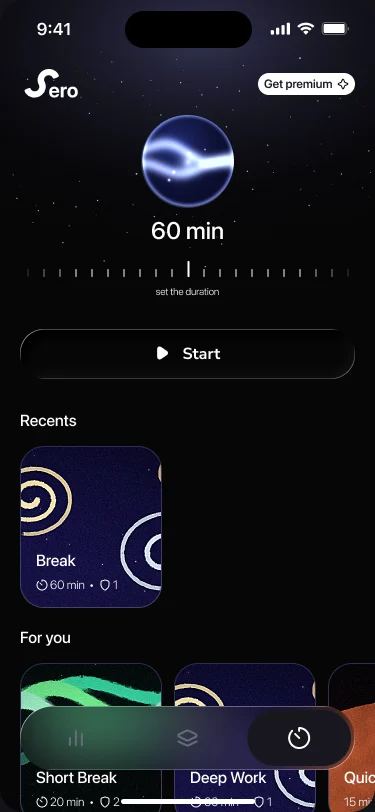
“Hey Siri, start a focus session in Sero.” The countdown runs on your Lock Screen, and leaving early means holding the button, not tapping it.
04 — What it costs you
Every Monday, the shape of your week.
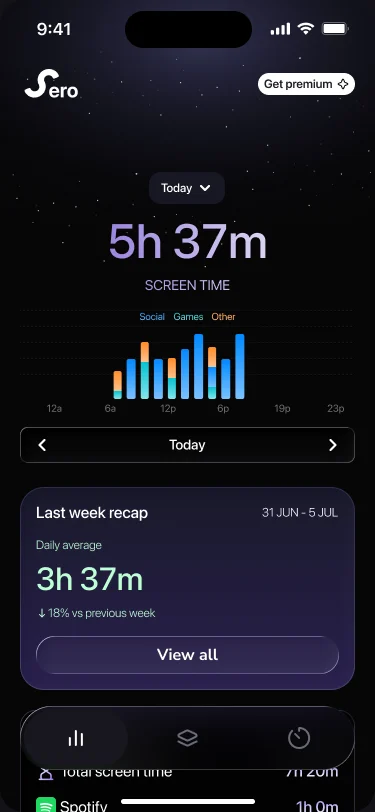
Your screen time by hour and by category, and on Monday the week’s average against the one before. A picture, not a verdict.
This is the whole app.
Three screens. Nothing to learn, nothing to configure before it works.
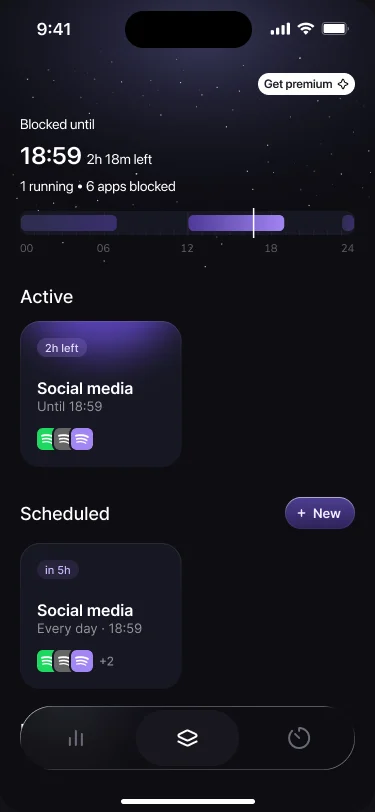
Whether anything is blocked right now, and how long until the next one starts.
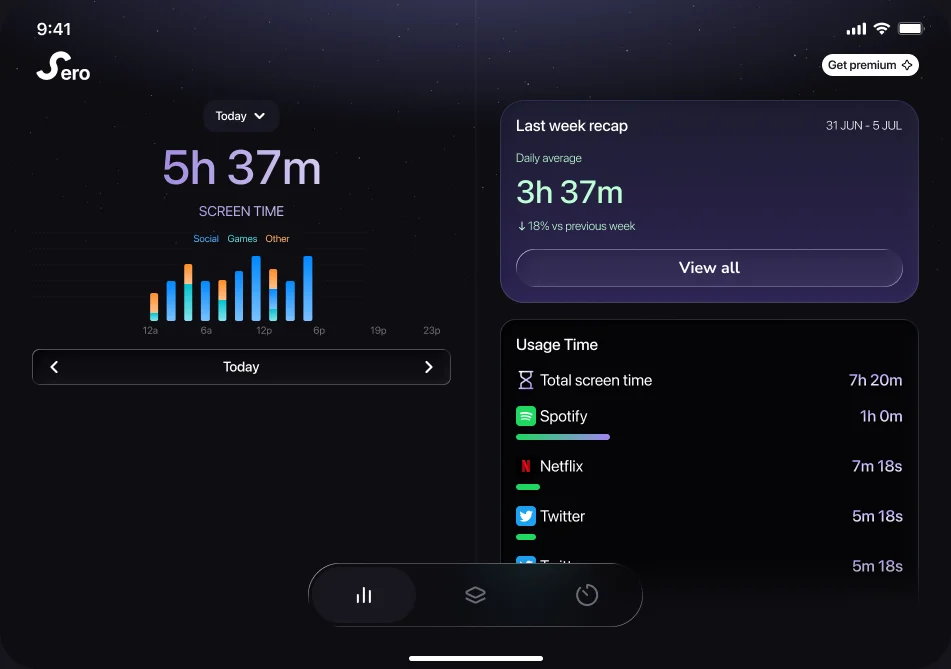
Fits the phone you actually have.
The same session, laid out for the screen in front of you.
Sero is harder on purpose.
Not an apology. Getting back in has to cost something, or it is not a decision.
1 a day
One emergency unlock a day.
Three on Premium. Spend it at eleven in the morning and the rest of the day is on you.
Hold, not tap
Ending early means holding the button.
Not tapping it. Long enough to notice.
15 points
Opening a blocked app means playing first.
15 points earns 15 minutes. There is no other door.
If you want a blocker you can talk your way past, there are good ones. This isn’t one.
Free for one app.Premium for all.
Premium removes the ceiling. Nothing else changes.
- Apps you can block1Unlimited
- Scheduled sessions1Unlimited
- History7 daysAll time
- Emergency unlocks1 a day3 a day
Plain answers.
Can I get around the block?
Two ways, both limited on purpose. An emergency unlock opens it instantly: one a day, three on Premium. Or score 15 points in the game and you earn 15 minutes.
Limit or schedule - what’s the difference?
A limit is an amount of time a day. A schedule is a window on the clock. You can run both.
Does Sero see which apps I use?
No. No account, no servers, no analytics. Everything lives in Apple’s Screen Time on your device - and it stays there if you delete Sero.
Can I start a session hands-free?
Yes. “Hey Siri, start a focus session in Sero.” The countdown appears on your Lock Screen.
Is Sero watching me in the background?
No. Apple’s own Screen Time framework enforces the blocks at the system level.
Is it on Android?
Not yet. iPhone only.